
Name-Based Case Searches
Davidson public case information lives on the statewide eCourts Portal. There is no separate Davidson vendor database to search instead. Smart Search is the entry point. It takes a case number or a party name in one base search. When you search by name, type the form that best matches the party you know about. Then narrow the location to Davidson if that selector appears. Formatting matters more than you might expect. Statewide results can pull in lookalike names from other counties. An exact entry saves you time.
- Open the eCourts Portal and select Smart Search.
- Enter a case number when known. Otherwise, enter a carefully formatted party name and run the base search.
- Expand Advanced Filtering Options only after a base search, then select Davidson, a category, case type, status, or filing-date range as needed.
- Open the matching public result and read the Case Summary / Register of Actions before treating a result as the intended case.
Portal examples show names entered last-name-first. Wildcards follow a strict pattern: at least three characters of the surname, an asterisk, then at least one character of the given name and another asterisk. Check the official guidance on format questions, and call the assigned county clerk if a search comes up empty. One missing result never proves that no case exists.
Davidson County Docket Search Smart Search
Smart Search opens with one text field labeled Case Number or Party Name. Below that sit the Advanced Filtering Options. They are grouped into General Options, Party Search Criteria, and Case Search Criteria. Use the Location selector early. It keeps out statewide clutter you never wanted. Public categories include Civil Actions, nonconfidential Special Proceedings, Estates, and Criminal Actions. The case-type choices shift depending on which category you pick.
| Portal field | Control | Required | Search use |
|---|---|---|---|
| Case Number or Party Name | Text search | One base search | Default Smart Search entry point. |
| Location | Selector | No | Choose Davidson to focus local results. |
| Party name or DOB | Text and date | No | Advanced criterion that restricts results. |
| Business name or nickname | Text and search type | No | Use the Business Name option for an entity search. |
| Case category and type | Multi-select | No | Limits the result set to a court record category. |
| Status or filing date range | Multi-select and date controls | No | Narrows results by procedural status or period. |
The official Portal training resources describe the public search features.
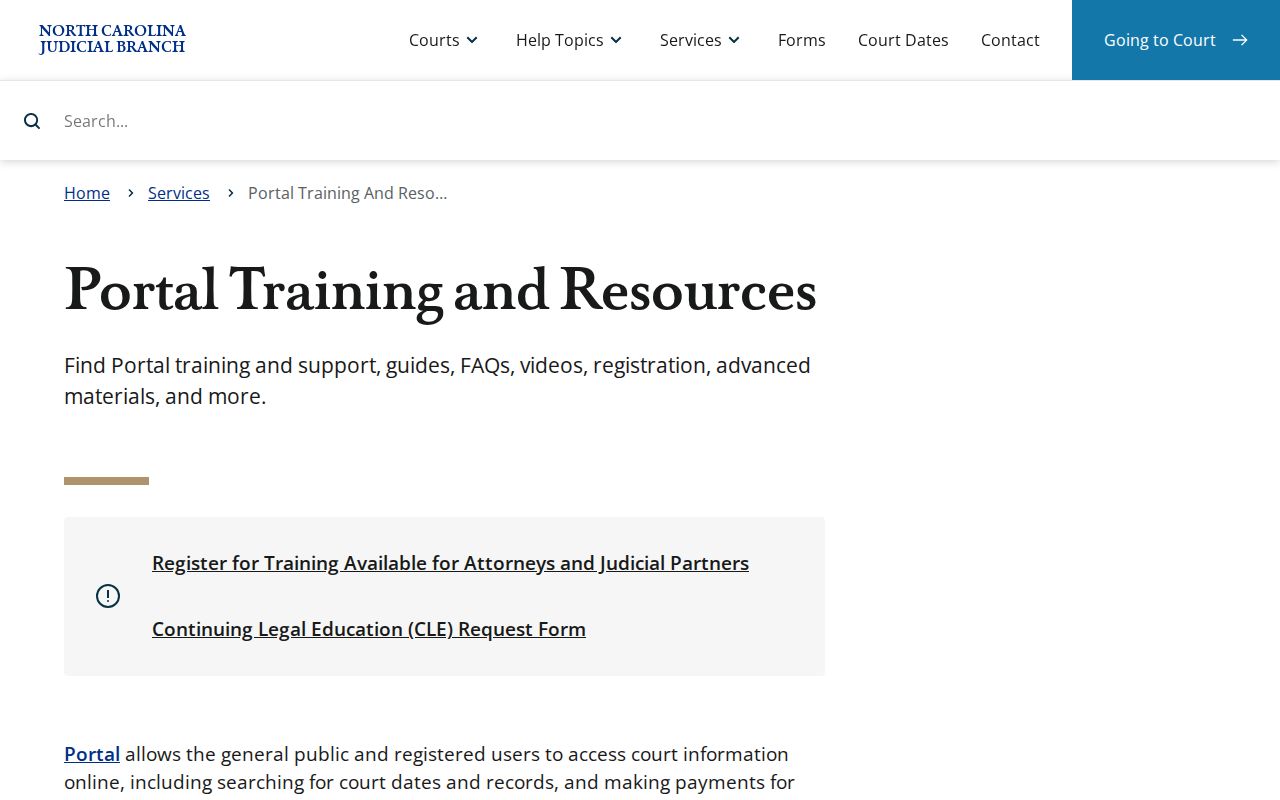
Guest access covers anonymous public searches, though a free account adds no elevated access.
Case Number Searches
For a Davidson County docket search, nothing beats a case number. The documented Enterprise Justice format has four parts. In full form it starts with a two-digit year, then letters marking the case type, a six-digit sequence, and a three-digit county identifier. Abbreviated, it reads YY + case-type letters + 6-digit sequence + 3-digit county identifier. That structure is official; no invented Davidson example is needed here. Type the whole number into Smart Search when you have it. Wildcard versions need at least four characters before the asterisk. Even a perfect number has limits. It returns only what access rules allow, so the page may fall short because of processing timing, a sealed order, or a document that was never scanned. For a current setting instead, turn to Search Hearings. It filters by case, party, business, attorney, bar number, judicial officer, courtroom, county, and date.
Davidson County Docket Search Filters
More filters are not always your friend. The advanced Party name and date-of-birth criteria shrink the result set. Neither supports wildcards. A name search that looks oddly thin may reflect a restrictive filter. It could also be a format that clashes with the stored data, or a case assigned to another county. Before deciding a public case does not exist, clear the extra limits. Then run a basic query again. Other documented status filters include Pending, Appealed, Reopened, Stayed, Unserved, Trial De Novo, Transfer to Another County, Transferred to Superior Court, and Small Claims Appeal. Several Disposed choices round out the list. Treat these as interface labels, nothing more. Read alone, they are not a legal interpretation of the outcome. The chronology in Case Events, along with any associated order, supplies the real context.
Case Search Results Explained
A public result opens the door to the Portal's Case Summary. It is also known as the Register of Actions. Think of it as a near-real-time index and timeline rather than the official record. The sections differ from case to case. A civil or family matter might show a Cause of Action block. Hearings and Financial Information appear only when they exist. Document images have strict limits. They show up solely where the record itself, conversion, scanning, and access rules all permit public display.
| Case Information | Core identity, category, status, filing or entry data, and related summary information. |
|---|---|
| Assignment Information | Court and assignment context; it is not a promise that a hearing is current. |
| Party Information | Parties in their procedural roles and attorney information when present. |
| Case Events | The chronological Register of Actions entries, read with related hearings, orders, or dispositions. |
| Dispositions | Recorded outcome or status information where available; read the related event for meaning. |
| Hearings and Financial Information | Conditional sections that appear when the Portal has applicable public information. |
Davidson County Docket Case Summary
Case Events form the chronological heart of the Register of Actions. Per the Portal FAQ, criminal events can show an arrest warrant, order for arrest, or criminal summons issued. The same events may be returned served or unserved, reset to unserved, or recalled. That is genuinely useful context. Still, read an event label alongside its date, hearing, disposition, and any available order. Never read it by itself. One Clerk of Superior Court office holds the consolidated records. It covers both the Superior and District Court divisions in Davidson. The Case Summary tells you the actual court assignment. Never guess from a street address or city name. Superior Court handles felony trials and certain higher-value civil matters. District Court takes most misdemeanors, infractions, traffic, family, juvenile, and lower-value civil cases. G.S. 7A-180 spells out the Clerk's consolidated record-keeping duty.
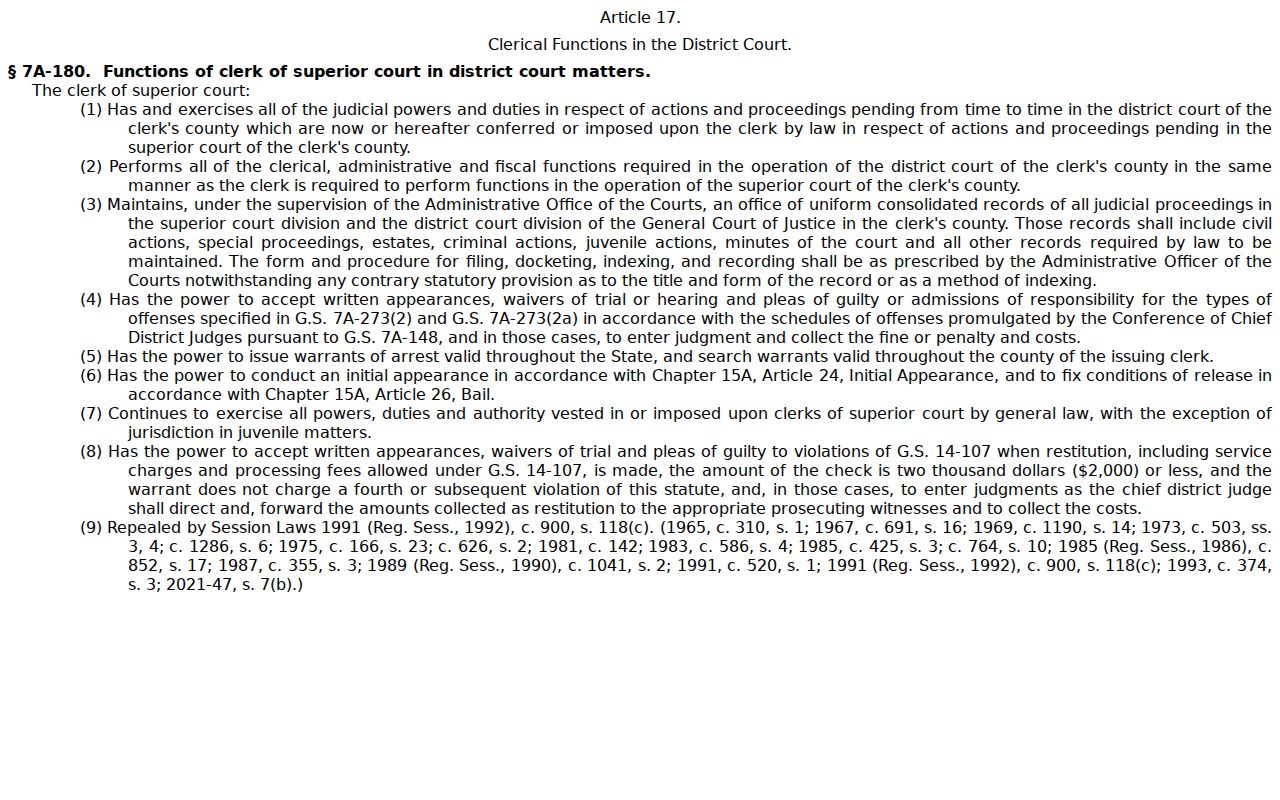
That record-keeping role explains the pecking order. For a certified court document, the Davidson Clerk, not a Portal printout, is the source.
Two Ways to Search: County and State
Davidson has no separate county-only public Portal. The county joined North Carolina eCourts on October 13, 2025. That made the statewide Portal the online layer for Davidson public case information. Locally, the path is the Davidson Clerk and the courthouse file. There is no competing county database. Split the work this way. Use the Portal for a searchable public Case Summary. Turn to the Clerk for the official case file, paper material, inspection, or certification.
| Statewide eCourts Portal | Davidson Clerk path |
|---|---|
| Searches public participating-county case information. | Maintains the Davidson court file and consolidated trial-division records. |
| Smart Search, Search Hearings, Case Summary, and public documents where available. | Paper-file inspection, public terminal access, copies, and certification where permitted. |
| Best for a public name, number, hearing, or Register of Actions query. | Best for official documents, a paper-era file, or a Portal gap. |
Davidson County Docket Search Rollout
Track 10 changed how the public reaches Davidson County court dockets. It did not change who keeps the file. Legacy VCAP, ACIS, and CIPRS systems went inquiry-only before the October 2025 eCourts launch. Davidson records on them were later decommissioned. Portal now serves as the public route for indexes, abstracted information, and any available documents. Paper documents that existed at go-live still sit with the Davidson Clerk. The official Track 10 transition notice walks through the shift from legacy systems to Portal.
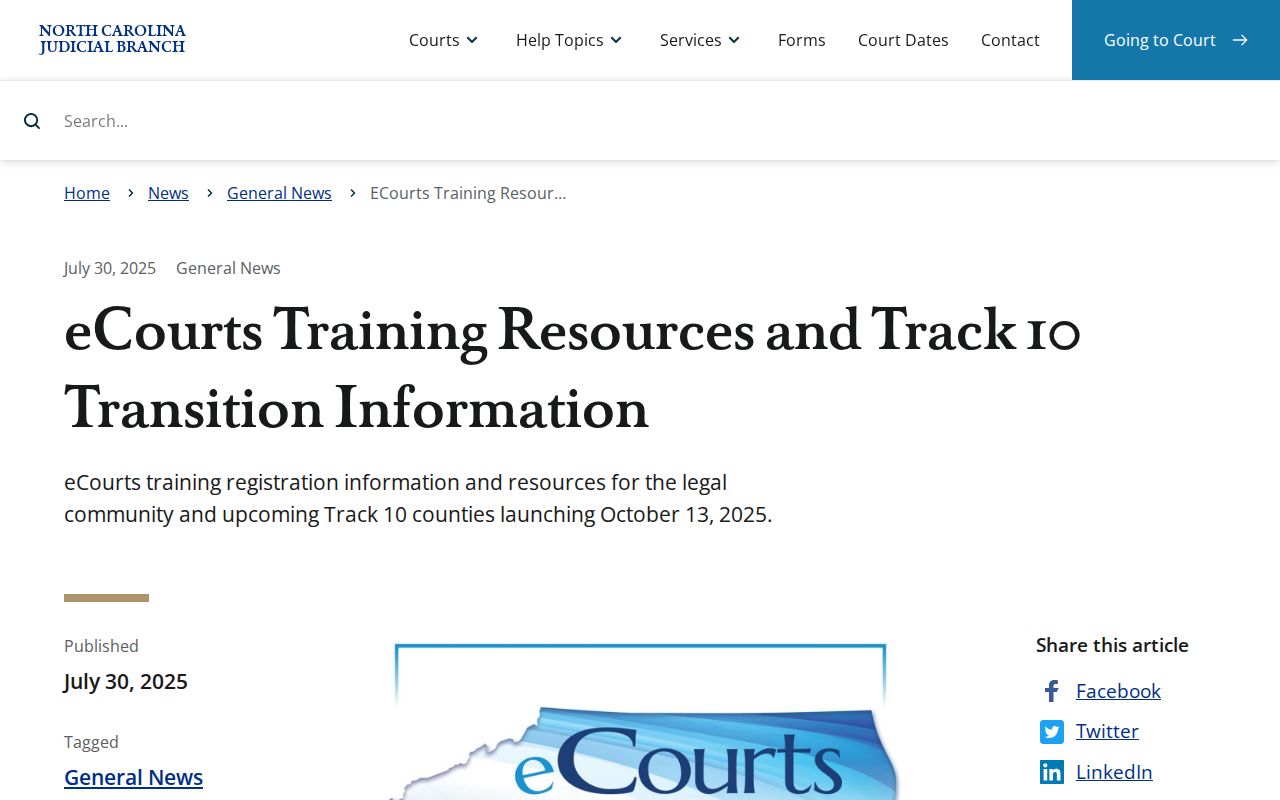
When a record seems to predate conversion, or no online image exists, skip the Portal rabbit hole. The Clerk counter and the paper file remain the right Davidson access path.
Davidson County Docket Search Filing
North Carolina eCourts runs on Enterprise Justice, with File & Serve handling electronic filing. That system is not the public case lookup. Attorneys file there; the public searches Portal for case information. Self-represented parties may still file on paper where permitted. Keeping the routes straight matters. A docket search should never land you on a filing screen. The North Carolina File & Serve interface is the eFiling route.
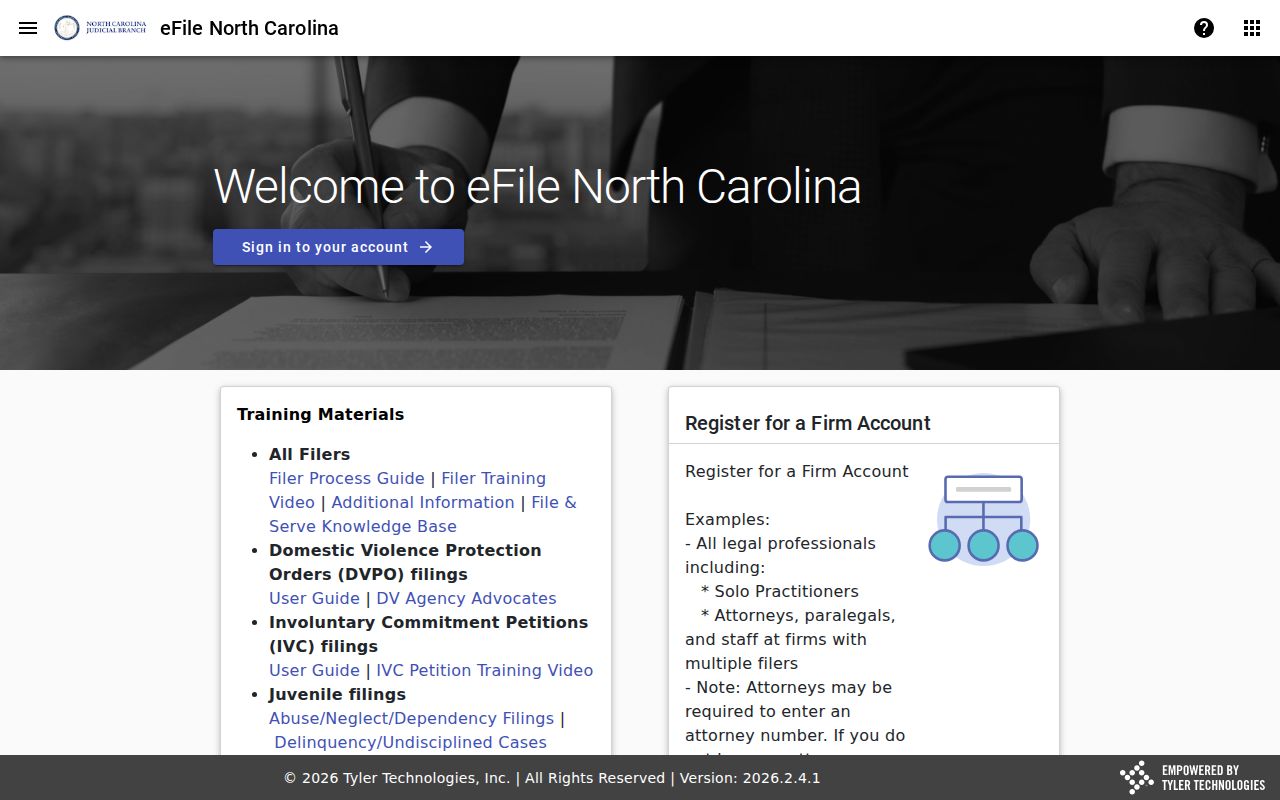
For public Smart Search, Case Summary / Register of Actions, and Search Hearings, use Portal.
Which Cases Stay Restricted
Portal does not mirror every Davidson court file. Sealed or confidential records, plus documents holding sensitive information, stay off ordinary public viewing. Juvenile and protection-order matters can demand elevated access, and free registration does not grant it. No courthouse visit overrides a sealing order or a statute restricting inspection.
Adult public cases may show case information, Case Events, dispositions, hearings, and documents where available. Juvenile records are generally withheld under G.S. 7B-3000, except with authorized access or court order. An expunction also does more than hide a result, since state law limits later disclosure. Where legal authority exists, use the proper Clerk or court process instead of trying to route around a restriction through general search.
Davidson County Docket Search Access
The fallback chain is simple. Search Portal anonymously for public information first. Need a specific court file, image, or official copy? Contact the Davidson Clerk at 110 W. Center St., Lexington, NC 27292, 336-242-6701, weekdays from 8:30 a.m. to 5 p.m. A courthouse public terminal and permitted paper-file inspection add more access channels. The Clerk keeps the Davidson file.
G.S. 7A-109 requires clerk-maintained records, files, dockets, and indexes to stay open for public inspection during regular office hours unless another law blocks access. That courthouse baseline works alongside Portal's convenience, not against it. Portal itself says its search is not the official record. So certification and official file questions go to the Clerk.
Davidson County Docket Search Records
A Case Summary, a filed document, and a certified copy are three different things. The Case Summary is a public index and timeline. A filed pleading, order, judgment, or exhibit is the document behind an event. It may or may not have a public Portal image. A certified copy is a Clerk-certified official version of one particular document. Find the case number and the document or event first. Then tell the Clerk whether you want certification. The official G.S. 132-6.2 source covers access and copy charges for public records.
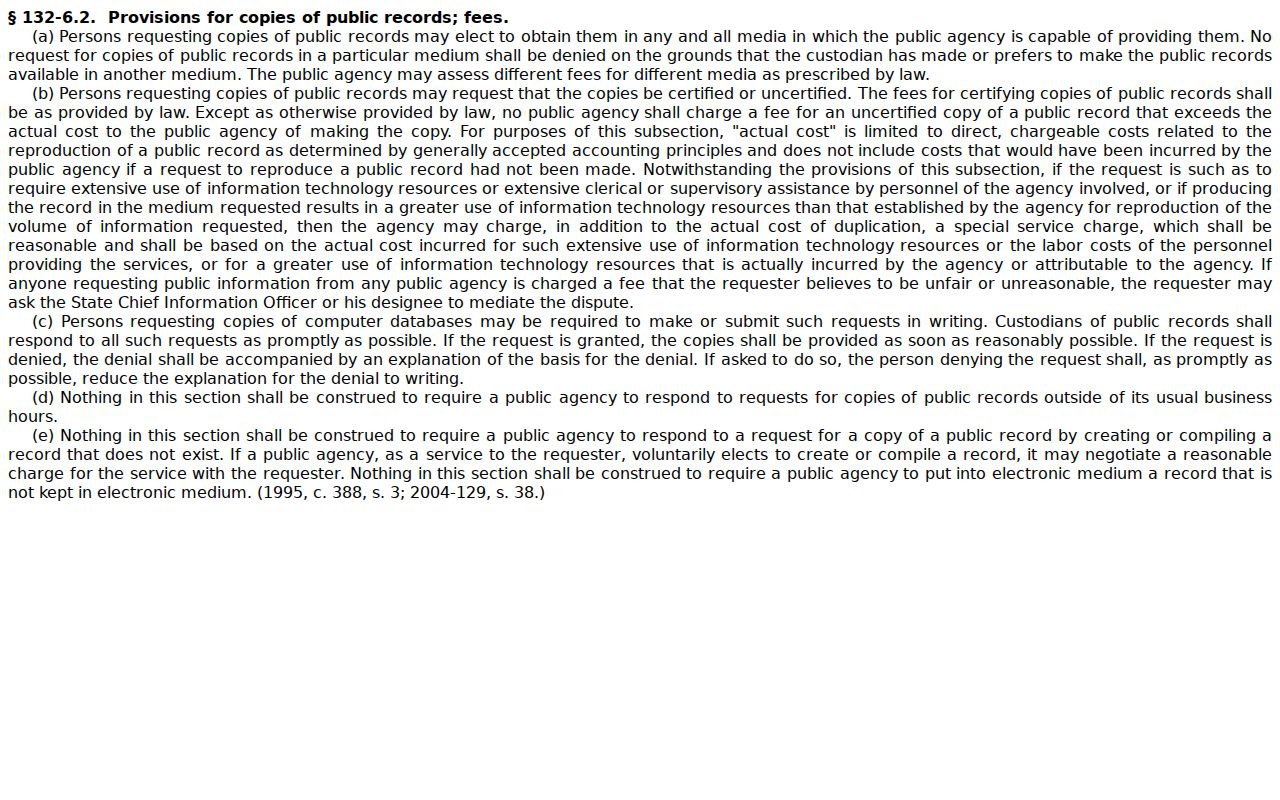
NCAOC states a $0.25-per-page policy for administrative records. That figure does not replace Davidson Clerk procedures for a court-file copy, and the Clerk sets its own copy and certification amounts.
Davidson County Docket Search Statistics
The N.C. Judicial Branch Case Statistics Dashboard offers system context, not a case lookup. Its filters cover filings, dispositions, pending matters, case types, court types, county, district, and fiscal year. It also offers Overview, Criminal, Civil, and Compare views. None of that replaces Smart Search for a particular Davidson case, party, or hearing. It will not pull up a Register of Actions either. The Dashboard launch announcement describes its county and case-type filters.
Use the dashboard to grasp aggregate court activity. Use Portal or the Clerk path to locate an individual Davidson court record.