
Davidson County Civil Docket Searches
Davidson civil cases live in the statewide eCourts Portal. They are not in any separate county docket vendor. Smart Search works with a case number or a party name. A broad name search can return too much, so pick Davidson as the location and open Advanced Filtering to use the civil categories and types. Portal labels the public timeline a Case Summary or Register of Actions. That near-real-time view is handy. It is not the certified record kept by the Clerk of Superior Court.
Start with the exact number when you can. The statewide Enterprise Justice pattern has two year digits and case-type letters. A six-digit sequence follows, plus a three-digit county identifier. Never invent a Davidson-specific number. If an expected case does not appear, check the format and its public-access status, then ask the Davidson Clerk about a paper file or a courthouse terminal. File & Serve handles electronic filing, not the public civil-docket search.
- Open Portal Smart Search and enter a complete civil case number or a party name.
- Set the location to Davidson and select a civil category or type if the statewide results are broad.
- Open the matching Case Summary and review case information, parties, causes of action, events, and dispositions.
- Use Search Hearings separately to check the current case setting.
- Contact the Clerk for an unavailable paper file, public-terminal review, or a certified order, docket, or judgment.
Note: An online Case Summary can identify a case and its public chronology. It still cannot replace certification from the Clerk.
Davidson Civil Portal Categories
Advanced Filtering matters here. Davidson civil records span more than one court level and record type. The public categories include Civil Actions, nonconfidential Special Proceedings, and Estates. Official training lists these civil filters. They include Civil General, Civil Magistrate, Summary Ejectment, Civil Foreclosure (CV), Civil Foreclosure (M), Confession of Judgment, Bond Forfeiture, and Non-Domestic Restraining Orders. A category narrows the results. It does not fix the court assignment. Nor does it guarantee that every record in that category is public.
| Portal category or filter | Useful Davidson search context | What to verify next |
|---|---|---|
| Civil Actions | General civil matters and related case types. | Assignment and Case Events. |
| Special Proceedings | Nonconfidential clerk-maintained proceedings. | Public-access status and Clerk records. |
| Estates | Eligible estate records. | Case Summary and estates clerk route. |
| Civil Magistrate or Summary Ejectment | Magistrate-level civil search. | Current status, hearing, and any appeal. |
The Portal Advanced User Guide lists the category and filter labels.
Civil Dockets: What They Show
A public Davidson civil Case Summary can hold a lot. It lists Case Information, Assignment Information, Party Information, Causes of Action, Case Events, Dispositions, Hearings, and Financial Information where applicable. Causes of Action carry real weight in civil, family, probate, and mental-health matters. Read the events in order. It may start with filing and service of process. From there come motions, orders, and calendar activity, then a judgment or other disposition. Still, no public case promises full visibility. Not every pleading, order, image, attorney detail, or cost item will be visible.
| Case number | YY + type letters + six-digit sequence + county identifier, the statewide Enterprise Justice pattern. |
|---|---|
| Parties and claim | Procedural parties and a Cause of Action block where the category supports it. |
| Case Events | The chronological Register of Actions for filing, service, motions, orders, and calendar activity. |
| Hearings | Shown when information exists; Search Hearings is the separate current-setting check. |
| Disposition and financials | Available when applicable, but not a substitute for a signed judgment or Clerk certification. |
Work through the chronology in order first. Only then compare it with the current hearing details before drawing any conclusion about the case.
Davidson Civil Court Divide
The Davidson civil docket follows North Carolina's trial-division allocation. General civil actions over $25,000 sit in Superior Court. Actions at or under $25,000 belong in District Court, subject to statutory exceptions. Magistrates take claims within the locally authorized small-claims limit. Those cases sit inside the District Court division. The local small-claims ceiling is not posted here. Confirm it with the Clerk rather than assuming a statewide range.
Venue check: The amount and type of civil matter help identify Superior Court, District Court, or magistrate context, but the Portal assignment is the case-specific confirmation.
The statutory allocation appears in G.S. 7A-243.
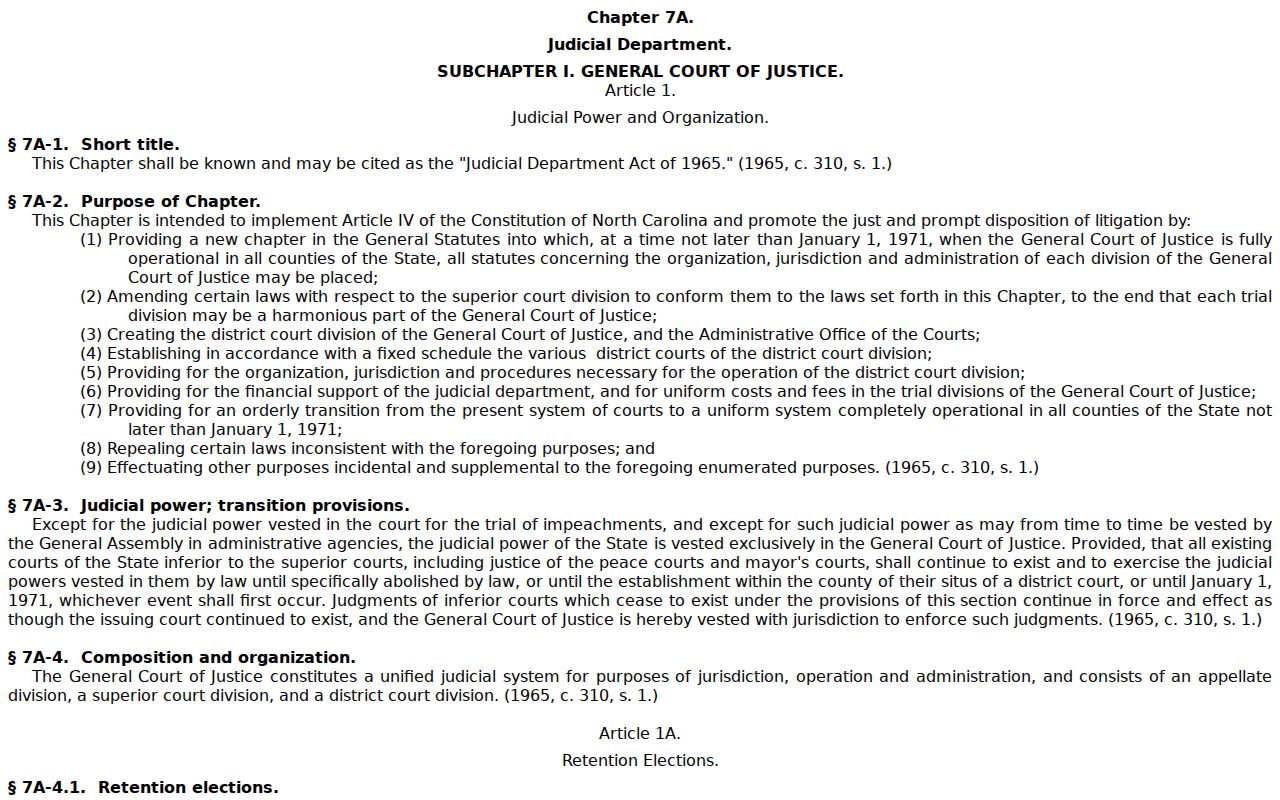
The dollar threshold directs the trial division. One Davidson Clerk keeps the consolidated county court records for both divisions.
What Cases Fill the Civil Docket
A Davidson civil case search reaches the general civil divisions plus the public clerk-maintained categories. Pick the category closest to your matter. Then confirm the real case type and assignment in the Case Summary. Assignment matters. A small-claims case, a general civil action, an estate, and a special proceeding each move through a different docket path. Results may also show a later appeal or transfer, so a familiar type label is only the starting point.
- General civil actions in Superior Court or District Court, depending on the amount and legal allocation.
- Civil Magistrate matters, including small claims within the local authorized limit.
- Summary Ejectment and other listed magistrate civil types.
- Nonconfidential Special Proceedings and Estates maintained through the Clerk system.
- Listed civil filters such as Civil Foreclosure, Confession of Judgment, and Non-Domestic Restraining Orders.
The Judicial Branch's small-claims court information describes the magistrate role inside the District Court division.
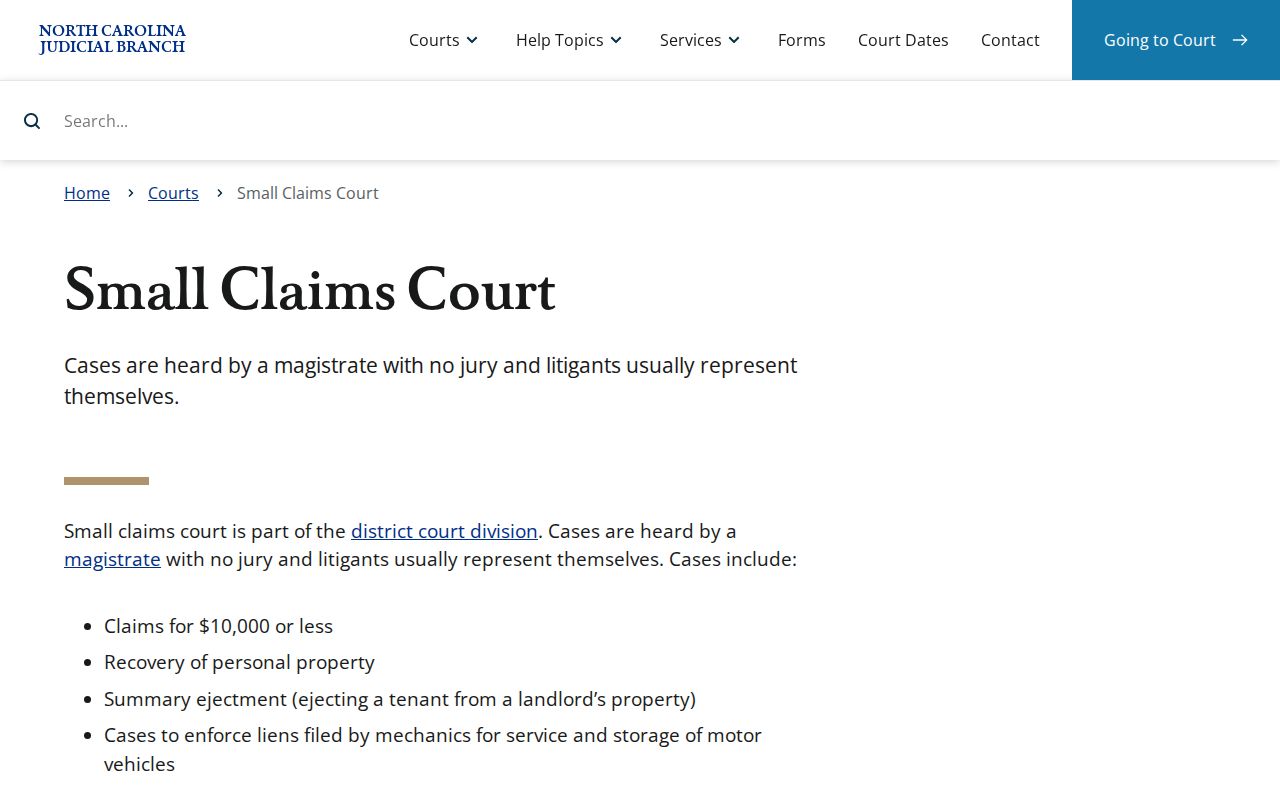
A small-claims appeal becomes a District Court trial de novo. The original docket label may not be the final court context.
Davidson Civil Calendar Requests
Davidson and Davie Superior civil rules give calendar activity its local meaning in a civil Case Summary. A motion usually needs a Calendar Request unless the court sets the matter itself. The flow runs from calendar request to a court or coordinator setting. Next comes a published calendar, sometimes a revised calendar. Then comes the hearing or trial, and finally the resulting event in Portal. The rules also cover pre-trial calendars for pending civil matters ready for review and tentative trial-date setting. Matters are spaced ten to fifteen minutes apart.
- Calendar Request
- A local request to place a civil matter on a court calendar.
- Pre-trial calendar
- A court-prepared schedule for readiness review and tentative trial dates.
- Final Court Calendar
- A published final civil calendar that can be updated.
- Addendum
- A revised calendar publication that can alter a listed setting.
The Davidson/Davie Superior civil rules govern the calendar-request and publication mechanics.
A Calendar Request is just a scheduling step. It is not a ruling on the motion or a judgment in the case.
Hearings on the Civil Docket
A civil Case Summary can show a Hearings block. Yet the live check for any setting is Search Hearings. That tool filters by case, party, attorney, judicial officer, courtroom, county, and date range. The Davidson Civil Calendars add a second view of session scheduling. They can shift with updates or addenda. So a published calendar is never the last word on a single hearing. Match the current hearing record against the latest Case Event and the freshest calendar version before relying on either one.
For a full session calendar, start with the Davidson court schedule. Then come back to the individual case record for current hearing details. Portal, the calendar, and a mailed notice can disagree. Call the Clerk or the court office handling the matter. A direct confirmation matters most after a continuance, a reset, a closure, or any recent scheduling change. Keep one distinction in mind. A calendar covers a session or group of matters. A current hearing result pins a time and place to one case.
Davidson Civil Status Terms
Status and disposition labels in Portal help you read the docket. But a label is not the judgment. Disposed - Final Judgment No Trial means something different from Disposed - Trial by Judge, Jury, or Magistrate. The same goes for Disposed - Voluntary Dismissal next to Disposed - Dismissal on Order of the Court. Labels such as Appealed, Stayed, Reopened, Transfer to Another County, Transferred to Superior Court, and Small Claims Appeal all carry procedural context. A brief search return leaves that context unsaid.
Open the Case Events and the disposition details. That is where the fuller story sits. When you need a signed, court-stamped order or judgment, request it from the Davidson Clerk. Portal's public view is expressly not the official record. That holds even where it displays a disposition.
Reading rule: A status label describes the Portal record. It does not by itself establish the full legal effect of a judgment, dismissal, appeal, or transfer.
Who Can See Civil Dockets
Anyone can search public Davidson civil Case Summaries through Portal. Clerk-maintained dockets and files stay open for inspection during regular office hours. A law or court order can limit access. Public access does not put every document image online. Sealed, confidential, or sensitive material stays off ordinary Portal accounts. The courthouse terminal does not override that restriction. Neither does the paper file. Search estates and special proceedings with their own access rules in mind.
Key Rules:
G.S. 7A-109 sets the Clerk’s docket and public-inspection baseline unless access is legally barred.
G.S. 7A-180 supports Davidson’s consolidated Superior and District Court records under one Clerk.
G.S. 132-1 defines North Carolina government public records.
The Judicial Branch court-types overview shows where Superior Court, District Court, and magistrates sit inside the state system a Davidson civil case search draws on.
Public search access helps you locate a case. Any restricted record stays governed by its controlling law or order.
Davidson Civil Clerk Records
The Davidson Clerk of Superior Court keeps the local civil files for Superior and District Court. Estates and special proceedings sit there too. Start with Portal for a public Case Summary and any public document in the case. Need a paper file, a certified docket, a signed judgment, or an order? Contact or visit the Davidson courthouse. Send a court-records request for an actual Davidson case to the Clerk. Do not send it to an NCAOC administrative-record channel. The Clerk can certify the county case record. Portal cannot.
Davidson Clerk of Superior Court
110 W. Center Street
Lexington, NC 27292
(336) 242-6701
Regular weekdays, 8:30 a.m. to 5 p.m.
When the online record runs thin, public self-service terminals and paper-file inspection offer local backup. The Thomasville Branch at 22 Randolph Street is also a listed judicial access point. Even so, the Davidson Clerk remains the county's record keeper. For an administrative Judicial Branch record that NCAOC actually holds, use its public-record request route. Skip the court-file certification channel for those. Ask the Clerk about any copy or certification charge before you order. No Davidson-specific certified-copy fee is set out here.