
Davidson County Court Record Requests
The public eCourts Portal is where most Davidson County court record requests begin. Type a case number or party name into Smart Search. Set the location to Davidson when that helps, and open the Case Summary or Register of Actions. That docket timeline lists the case, each event and hearing, the disposition, and sometimes a public document. A Portal printout helps you locate a file. It is not the official record. When you need a filed order, judgment, pleading, or certified copy, the Davidson Clerk of Superior Court holds the case file. Give the Clerk the case number and the parties. Name the exact document, and say whether you want it certified.
- Find the best identifier, ideally the case number, then note the event or document title needed.
- Use Portal to read the public Case Summary and inspect a public document image when one is available.
- For a paper file, plain copy, or certified copy, call or visit the Davidson Clerk and identify the Davidson-filed case.
- Use the courthouse public terminal or inspect the file at the Clerk’s office when public access is allowed.
- Request a transcript from the court reporter or authorized transcriptionist; use AOC-G-114 only for a qualifying recorded District Court proceeding.
The Clerk of Superior Court does not advertise a standard mail or email ordering route for ordinary Davidson case files, so confirm the request method before sending payment or records information. The NCAOC public-record request process covers only Judicial Branch administrative records that NCAOC itself holds. It is not the normal route for a Davidson case filing or a Clerk certification.
Davidson County Portal Record Limits
You can view public case information on the Portal without registering. A Case Summary may include Case Information, Assignment Information, Party Information, Case Events, Dispositions, Hearings, and Financial Information. It may also carry a link to a public document where one exists. None of that guarantees every filing was scanned or can be read online. Conversion status, access rules, redaction, and case type all shape what appears. Registering an account lets you save cases. It does not unlock confidential records or turn a public view into a certified court record. The Judicial Branch records information lays out the courthouse-terminal and file-access path.
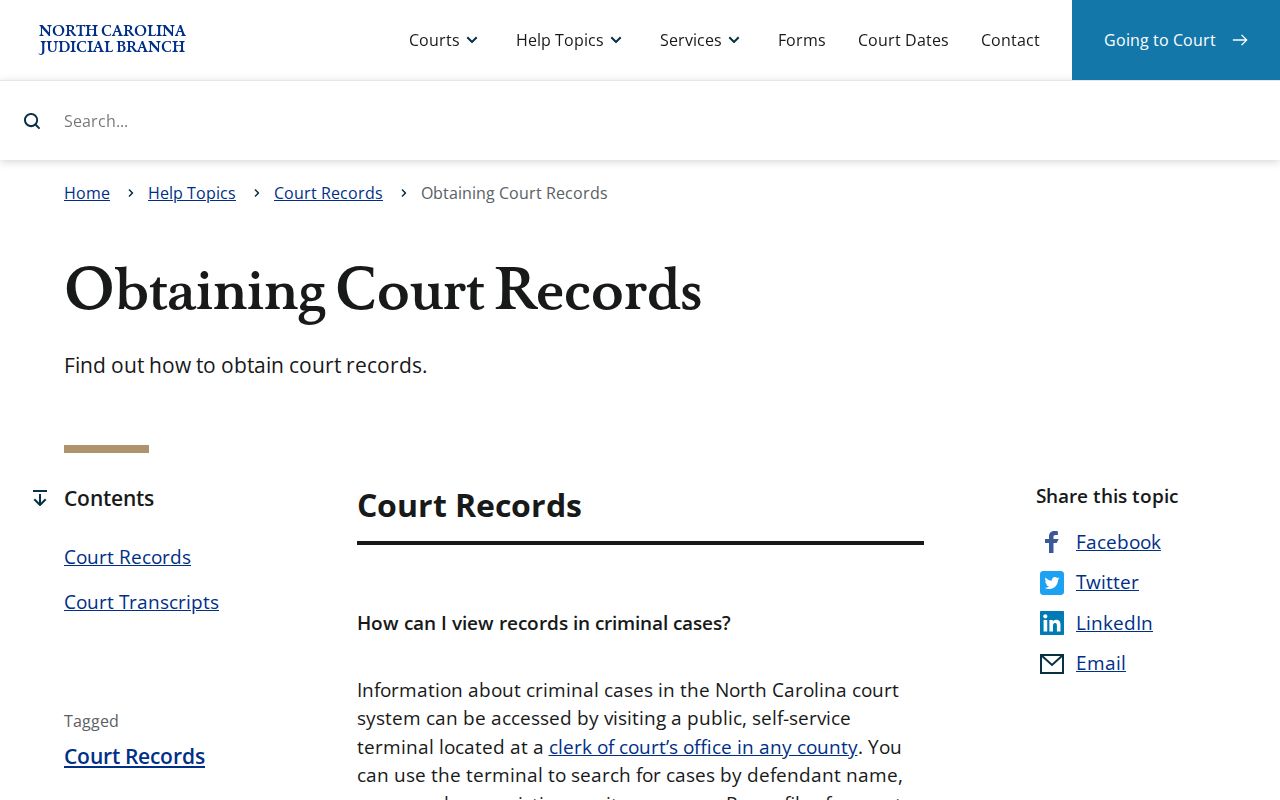
Note: If a Davidson County court record has no public image or needs an official copy, use the in-person channel at the Clerk's office.
Kinds of Court Records
Davidson's unified Clerk keeps consolidated records for Superior and District Court. Superior Court usually handles felonies and civil matters over $25,000. District Court takes misdemeanors, traffic, domestic matters, and juvenile matters. It also handles civil actions at or below that threshold. Magistrates sit within the District Court division. They handle matters such as small claims. One records office can therefore be the right stop for more than one kind of case. Confidentiality rules may still limit access to certain files.
- Case Summary or Register of Actions entries, including dated Case Events.
- Filed pleadings, motions, orders, judgments, and other public case papers.
- Criminal, traffic, civil, estate, and nonconfidential special-proceeding files.
- Hearing and disposition information shown for a particular public case.
- Certified copies of a specific docket, order, judgment, or other Clerk-held document.
Davidson County Paper Court Records
Davidson County moved onto the statewide eCourts system on October 13, 2025. Portal became the public route for indexes, abstracted information, and any available documents. The county's older lookup tools were replaced at the same time. None of this erased the Clerk's paper-file function, though. The official Track 10 transition notice states that paper documents on file at go-live remain available at the Clerk's office. So for an older Davidson County court docket, a case record with no image online, or material held outside the public Portal view, a trip or call to the Clerk is still the key check.
The NCAOC records policy draws the line between records that the agency itself holds and the case-file custody that stays with the county Clerk.
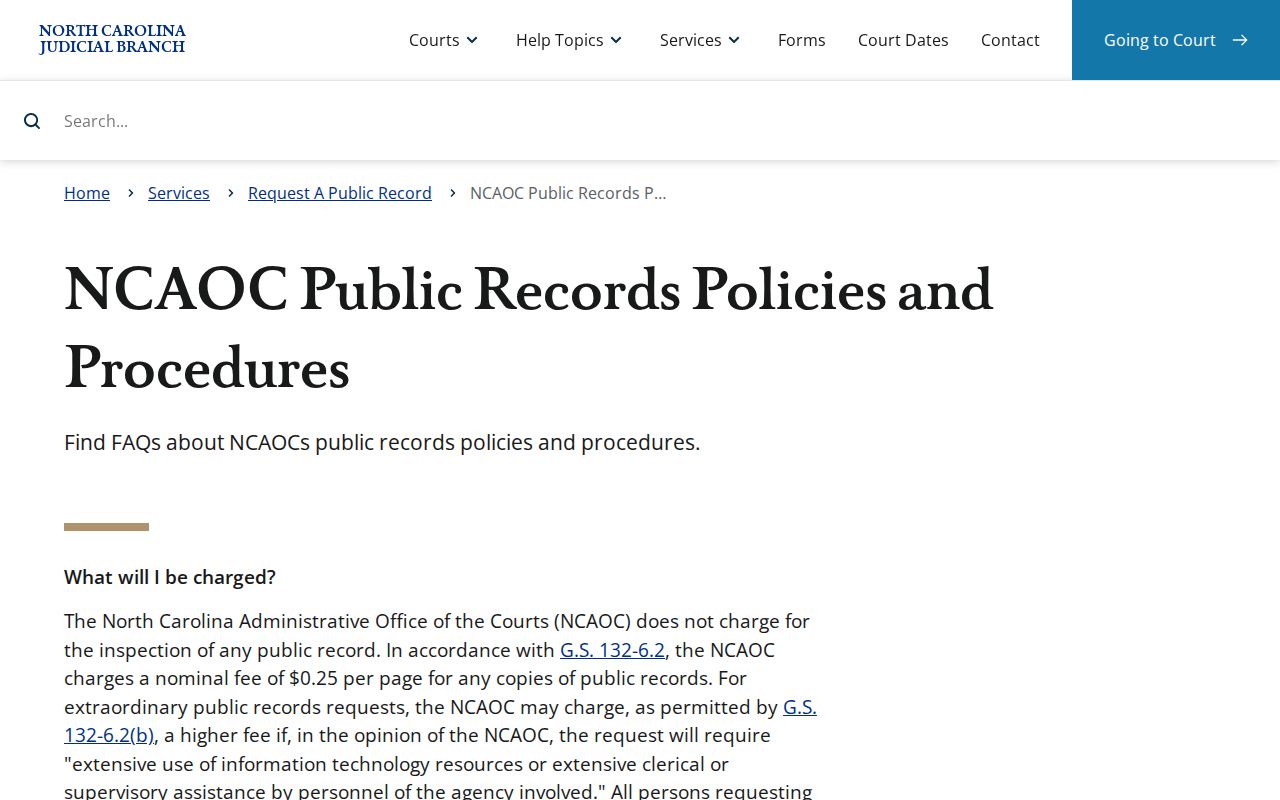
Note: For Davidson paper records, start with the case custodian, because an NCAOC administrative request is not a substitute for the Clerk's office.
Court Records: What They Contain
Think of a Case Summary as the Portal's near-real-time register rather than the whole file. Its fields help you pinpoint the exact item to request from the Clerk. The Enterprise Justice number runs in a set pattern. It uses a two-digit year, case-type letters, a six-digit sequence, and a three-digit county identifier. The official guidance gives a statewide format. Do not guess a current Davidson county code or add one to a made-up example.
| Case Summary | Portal’s public timeline of case information and docketable events where available. |
|---|---|
| Case Events | Chronological entries that should be read with related hearings, orders, and dispositions. |
| Parties and assignment | Procedural party roles and court-assignment context shown for the case. |
| Filed documents | Pleadings, orders, judgments, or other papers that may be public, restricted, or unavailable online. |
| Certification | A Clerk-certified official copy of a particular document, not a Portal printout. |
Davidson County Audio Record Requests
A court file, an audio copy, and a transcript are three separate requests. A transcript is a word-for-word record. It is made by a court reporter or authorized transcriptionist, not an ordinary Clerk copy. To request duplicate audio, use AOC-G-114. Use it only for a non-confidential District Court hearing that was electronically recorded. The form asks for the county, case name and file number, and proceeding date. It also asks for the presiding judge, courtroom, and your contact information and signature. It excludes juvenile and other confidential proceedings. Payment goes by cash, certified check, or money order. Make it payable to the Clerk of Superior Court. The form lists photocopy, log, and blank-media costs. It sets no fixed price or processing time. A recorded proceeding is not automatically a transcript. Ask the reporter or authorized transcriptionist for the word-for-word record.
Copy Fees and Certification
A plain copy and a certified copy are not the same thing. The Clerk can certify a Davidson docket, order, judgment, or other case document, but the court posts no official Davidson fee schedule with an exact current plain-copy or certification price. Confirm the amount and payment method with the Clerk first. The $0.25-per-page figure comes from NCAOC's own administrative-record policy under G.S. 132-6.2. That figure does not set the fee for a Davidson court-file copy. Audio costs depend on actual media and related costs.
| Request | Documented fee information |
|---|---|
| Portal public Case Summary | Anonymous public viewing is available; Portal is not the official record. |
| Davidson plain court-file copy | A fee applies; no exact current local amount was located. |
| Davidson certified copy | Clerk certification is available; no exact current local amount was located. |
| NCAOC administrative copy | $0.25 per page under NCAOC policy, not a court-file substitute. |
| District Court audio duplicate | Actual photocopy, log, and blank-media cost; no fixed amount listed. |
Davidson Clerk of Superior Court
110 W. Center St.
Lexington, NC 27292
(336) 242-6701
Weekdays, 8:30 a.m. to 5 p.m.
Davidson County Court Records Beyond State Court
Some cases tied to Davidson County never touch a state court file. Federal matters run on a separate track. Davidson sits in the federal Middle District of North Carolina, so a federal civil or criminal docket is a PACER case rather than a Davidson Clerk's Portal Case Summary entry. Bankruptcy uses the Middle District's bankruptcy venue too. PACER charges by the page, and the federal court clerks keep those records. The Middle District of North Carolina site shows the district-court route.
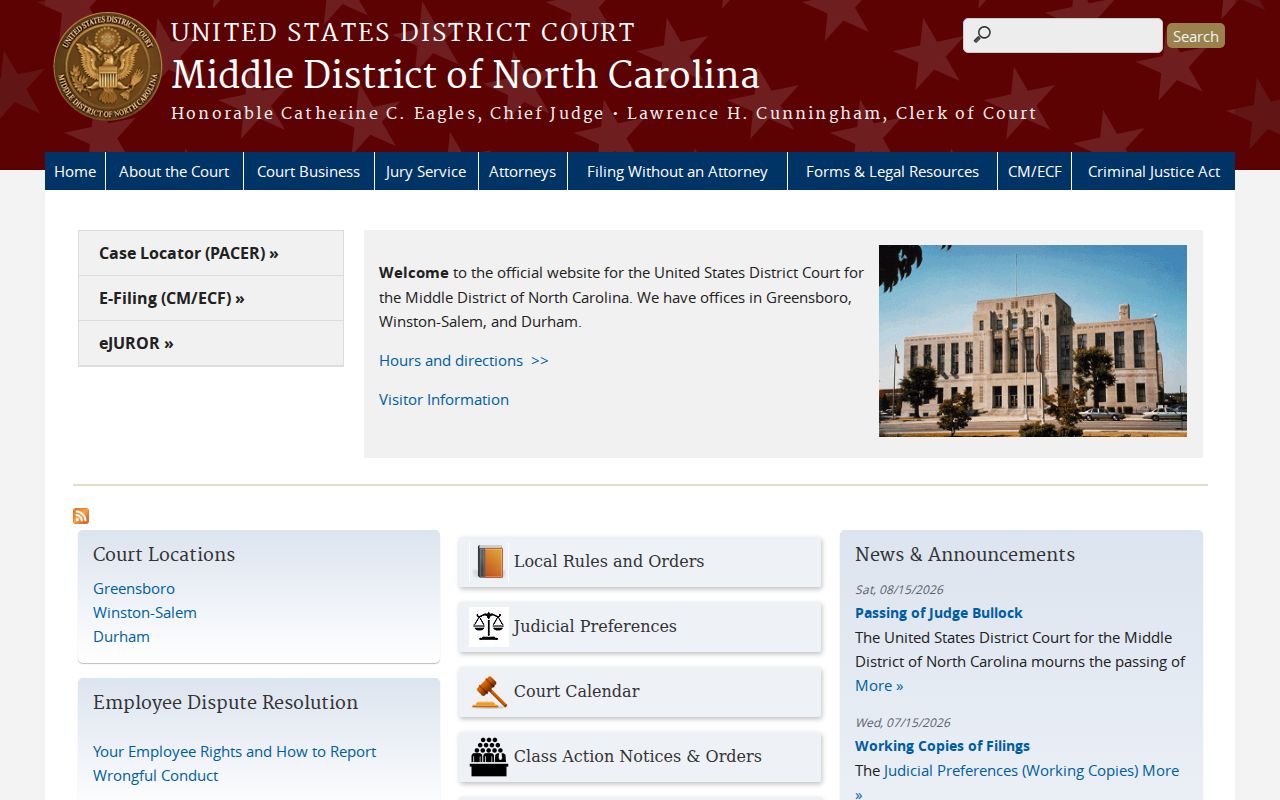
This federal locator is only a cross-check. It cannot replace the Davidson Clerk's state-court file. The Middle District Bankruptcy county list places Davidson in the federal bankruptcy venue.
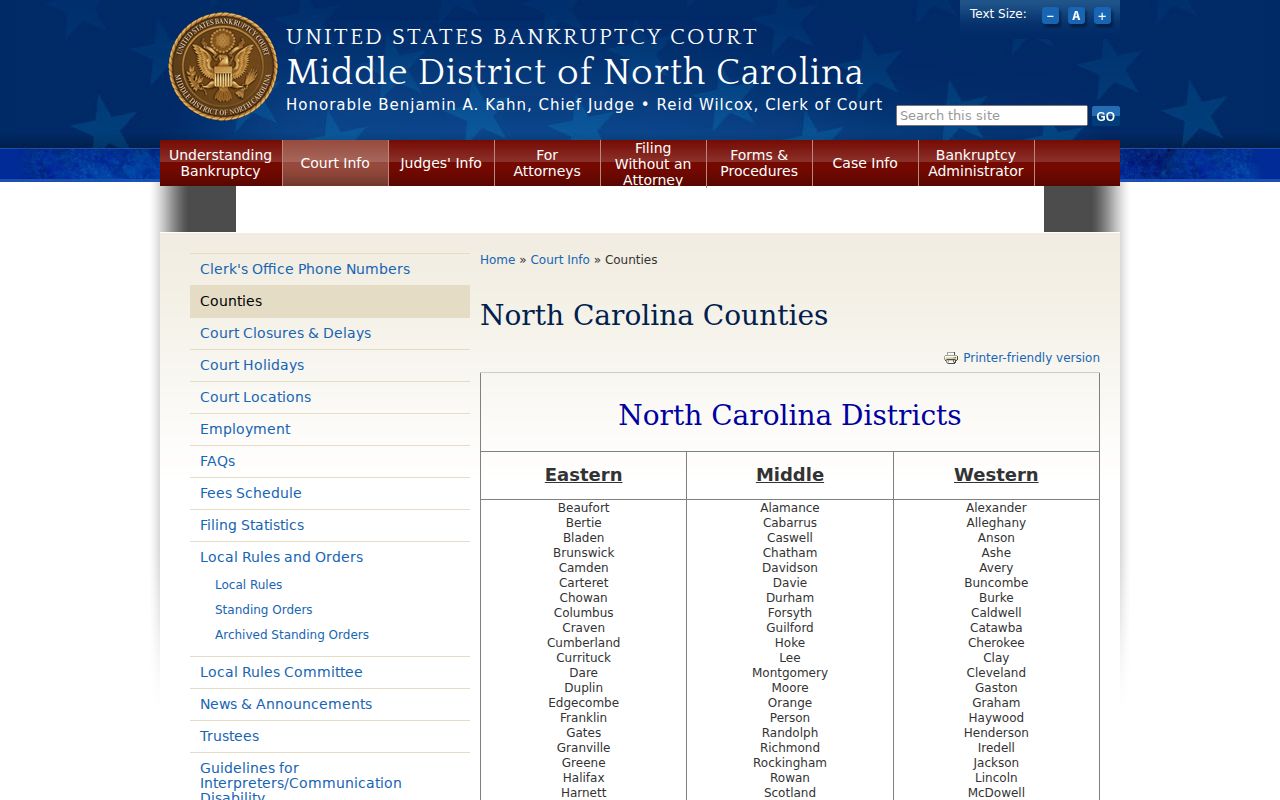
Bankruptcy papers stay with the federal venue and its clerk. The Davidson state-court record path never carries them. PACER's official pricing information lays out how federal access is billed.
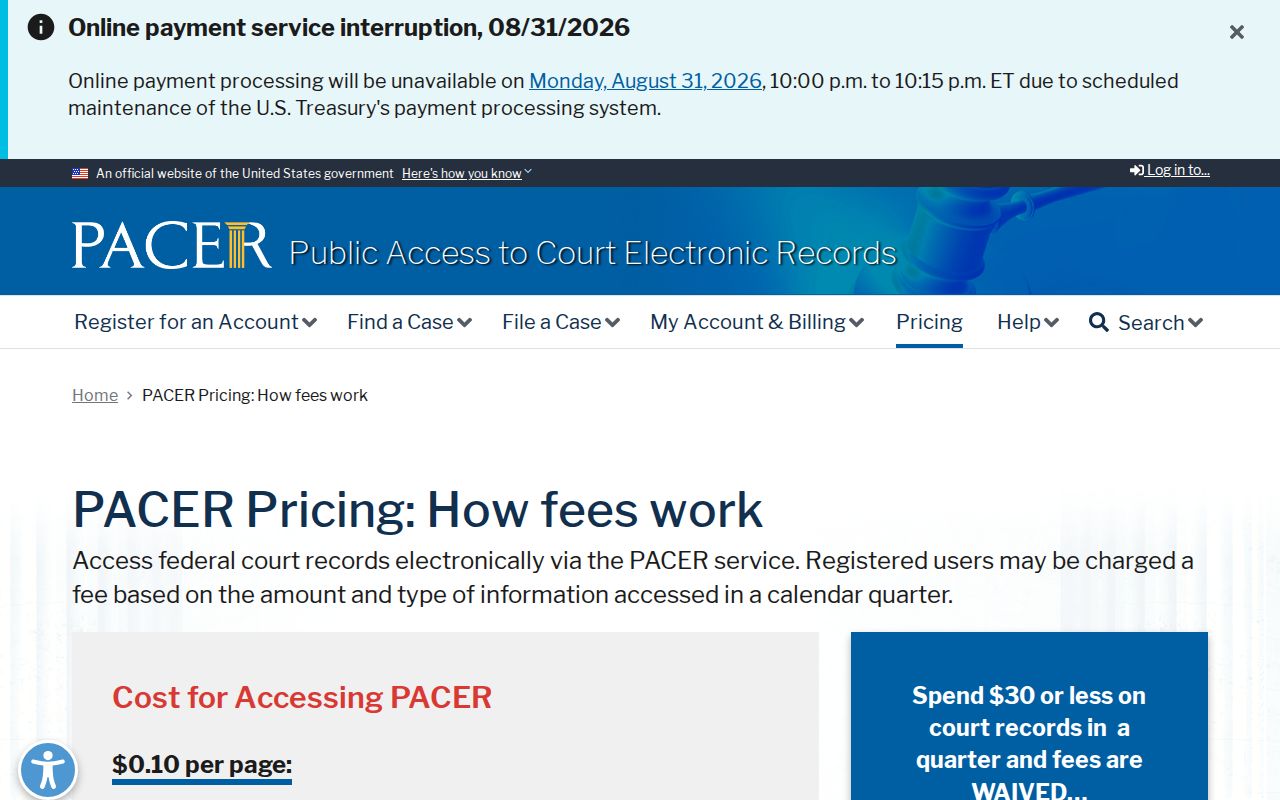
That fee schedule covers federal docket reports and documents only. The state Portal search stays free to the public.
Access Rules for Court Records
Public access has real limits. Portal hides sealed or confidential records, sensitive material, and anything a law or court order restricts. A Clerk-file visit won't override that. Juvenile files stay closed to ordinary public inspection, and expunction records allow only tightly limited disclosure. When a record is public, G.S. 7A-109 supports inspection during regular office hours. Ask for the specific record you want, since an empty Portal result doesn't prove no record exists.
Key Rules: G.S. 7A-109 requires Clerk-maintained files, dockets, and indexes to be open for inspection unless law prohibits access.
G.S. 132-1 defines North Carolina public records, while G.S. 7B-3000 restricts juvenile records.
Davidson County Court Record Custody
One office holds the keys. The Davidson County judicial page shows a single unified Clerk of Superior Court keeping local record indexes and files across both trial divisions. Superior Court tries felonies and civil matters over $25,000. District Court handles traffic, misdemeanors, domestic matters, juvenile matters, and much of the civil docket. G.S. 7A-180 requires consolidated records across those divisions. That is why a Davidson County court case begins with the same Clerk even when a different trial division hears it.
The North Carolina Court of Appeals serves as the state's intermediate appellate court. An appeal does not convert the Clerk's local trial-court file into the appellate record. Nor does custody shift to a city office. Name the Davidson trial-court item you want. A judgment, a docket, a pleading, or a public hearing record all qualify. Precision matters. It helps the Clerk locate the correct file and settles whether a plain copy, certification, transcript request, or restricted-record review fits the request. That index remains the starting point.
Check Portal's case assignment and category. That field tells you the court context. For a public case needing fuller lookup fields before a records request, Davidson County docket search can locate the matching Case Summary.
Note: The Clerk can confirm the proper local records channel. Only the actual record and the applicable access rule determine what can be inspected or copied.